 OmniDoc
Free translation · Scans
Translate a scanned PDF for free
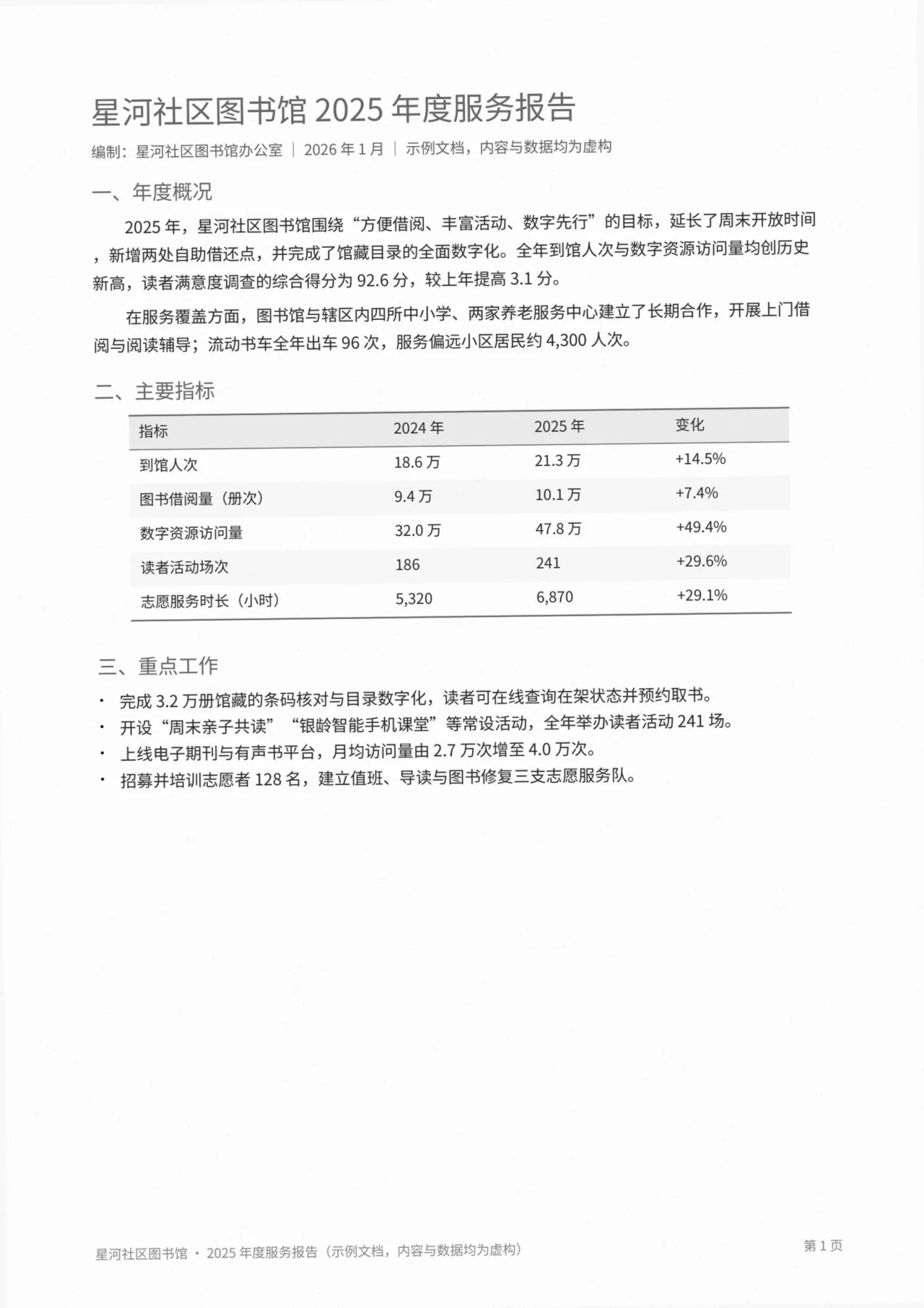
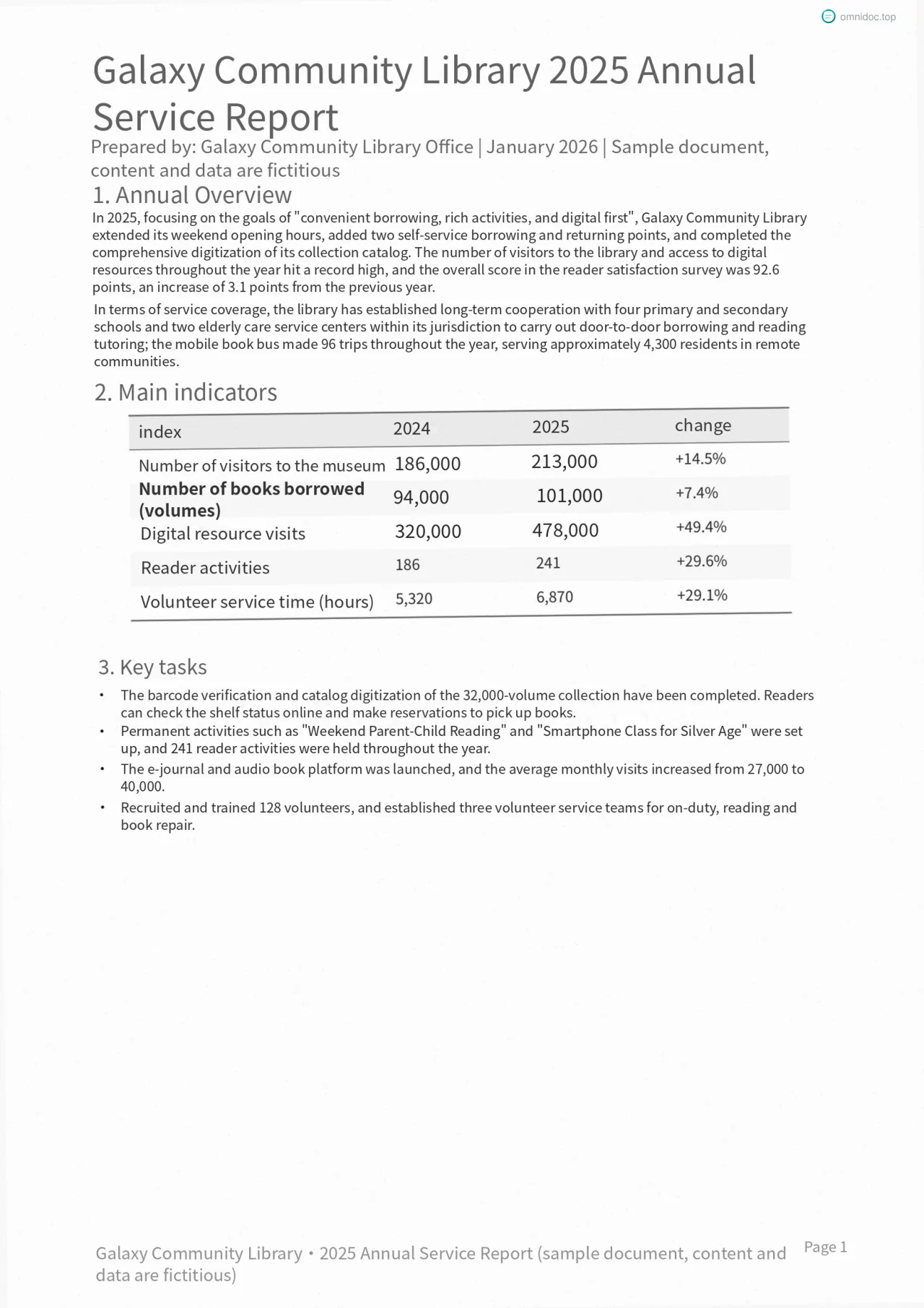
A scanned PDF holds only images, with no text you can select. OmniDoc's free translation first recognises the text on each page, translates it and draws it back where it was, so headings, paragraphs, tables and lists stay in place. Below is real output of the free route, not edited.
Written by the OmniDoc team. Sample 1 is a fictitious report we made; sample 2 is a public paper (CC BY 4.0).
How this sample was made
- Original
- A one-page Chinese sample report rendered at 200 dpi greyscale with a 0.7° tilt and noise, like a scan; the PDF holds only an image.
- Settings
- Free translation, Chinese to English, bilingual output; no paid options.
- Time
- Under a minute from upload to download (tested on 24 November 2026).
- Result
- The translated PDF and the bilingual PDF are offered as delivered, not edited.
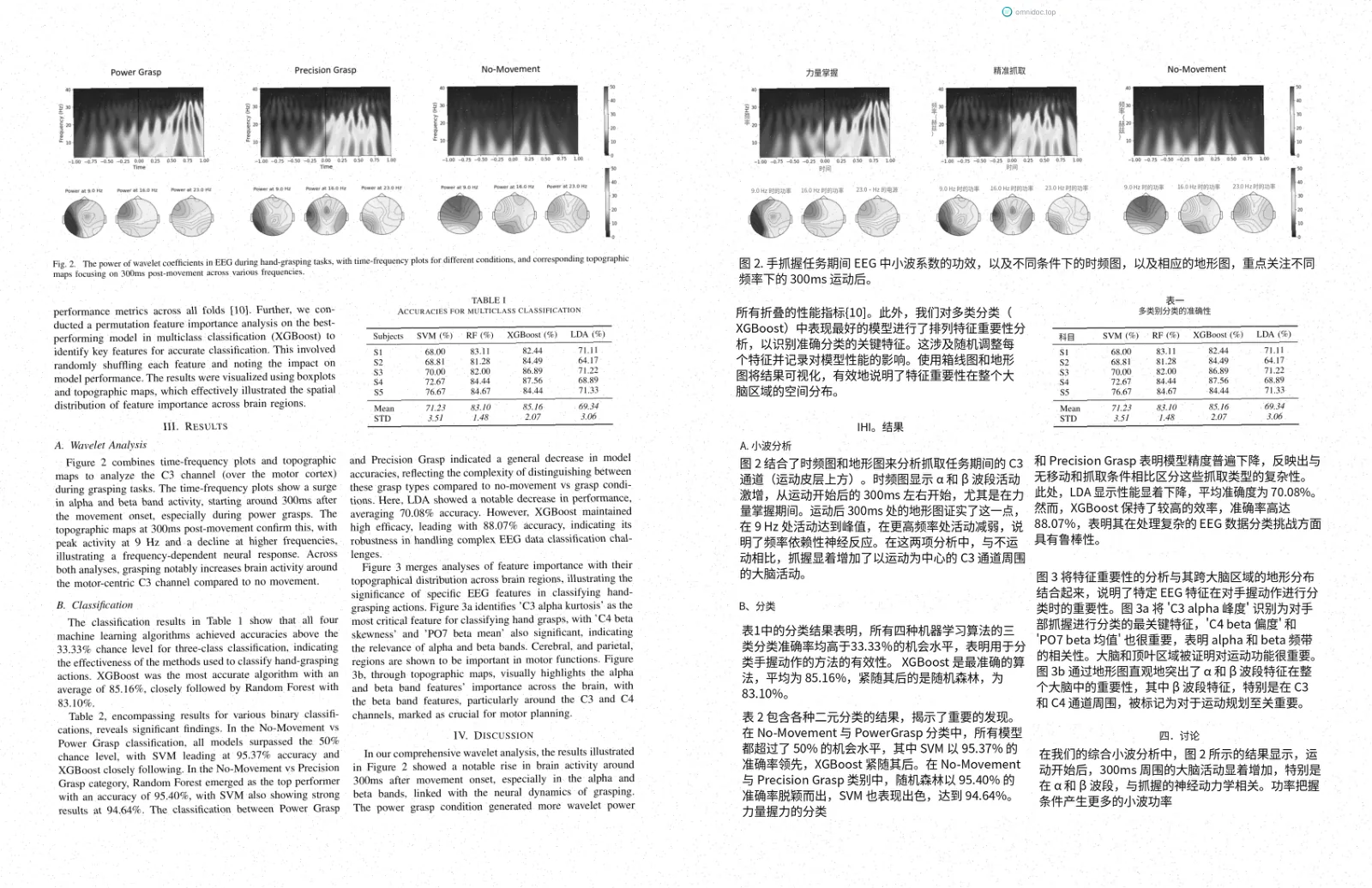
An English paper scan translated into Chinese: two columns, figures and a table
Page 3 of a public paper rendered as a noisy scan (200 dpi, 0.6° tilt), then translated into Chinese with the free translation. The two text columns, the figure labels and the table stay in place; scan on the left, translation on the right.
Questions
Can I translate a scanned PDF for free?
Yes. Free translation first recognises the text on each scanned page, then translates it and draws the translation onto the original image, so the result has no text layer; where the text is dense, the font gets smaller. The free route is general machine translation and works through a queue; for important files we recommend the paid translation.
Can I translate a photo taken with my phone?
Yes. Upload a JPG or PNG image and you get a translated image that keeps the original background. Keep the page flat, straight and sharp when you take the photo; the text is recognised more reliably.
Can I copy the text in the translated PDF?
No. For a scan, the translation is drawn onto the page image, so the PDF has no text layer. If you need text you can copy and edit, turn the scan into Markdown or JSON with the free document extraction first, then translate it.
How many pages can I translate at once?
Up to 2000 pages per file, with no monthly cap. Free jobs are processed in the order they are submitted.
What if a word is misread or mistranslated?
Check it against the original in the bilingual PDF, page by page. For important files we recommend the paid translation: it translates the whole page together, with context, so terms come out more accurately.
Try it with your own scan
Open the free translation page, upload a scanned PDF or an image, choose the target language and download the result on the same page.