3,000 credits
¥9.9
Up to approx. 750 translated pages
Buy creditsTranslate PDF, Word, PowerPoint and 11 more formats into 38 languages with tables, formulas and images kept in place. Plus four free editors for documents, spreadsheets, slides and images that work offline.
OmniDoc Translate
Upload a file, choose the languages and a model, and download the translated file, with the layout, tables, formulas and images where they were.
Drag & drop files here, or Browse files
Supports PDF, DOCX, PPTX, XLSX, CSV, EPUB, TXT, MD, HTML, SRT, ASS, JPG, PNG and UDOC
 XiRang XR-397B
Privacy Safe
XiRang XR-397B
Privacy Safe
Supported models
XiRang XR-397B
DeepSeek
Qwen
ChatGPT
Gemini
Claude
Used by students and researchers at Tsinghua University, Peking University, MIT and other universities
From research papers to contracts and product documentation — translate common document formats with full layout preservation.
Products
The editors run on your computer and your files stay there. Sign in only for translation, AI and web publishing.
 Works offlineUniDocDocumentsWrite and lay out documents, import and export DOCX, Markdown and HTML, and save as native UDOC.Open
 Works offlineUniCellSpreadsheetsEnter data and formulas, then calculate, filter and organize. Works with XLSX and CSV.Open
 Works offlineUniPPTPresentationsImport PPTX, edit text, shapes and equations, and present right in the browser.Open
 Works offlineUniPicImagesCrop, adjust colors and annotate, and add text and shapes. PNG, JPG, WEBP and SVG.Open
 Online serviceOmniDoc TranslateDocument translation14 formats including PDF, Word and PPT, 38 languages, original layout preserved.Open
 Online serviceAI HumanizerMake AI text read humanEstimates the AI score the way CNKI and VIP checkers measure it, rewrites paragraph by paragraph so the text reads naturally, and writes the result back into your Word layout. 5 free checks a day.Open
Online serviceBrowser extensionWeb page translationTranslate the current page in Edge and Chrome and read it side by side with the original.Open
Online serviceAI HumanizerMake AI text read humanEstimates the AI score the way CNKI and VIP checkers measure it, rewrites paragraph by paragraph so the text reads naturally, and writes the result back into your Word layout. 5 free checks a day.Open
Online serviceBrowser extensionWeb page translationTranslate the current page in Edge and Chrome and read it side by side with the original.Open
 Online serviceUniMailMailSend and organize email, and open attachments in the workspace to keep editing.Open
 Online serviceOmniwing StudioWebsites & contentBuild websites with AI, edit pages visually, and manage site and blog content.Open
DevelopersDeveloper APIAPI & AI toolsTranslate and process documents in bulk over a REST API. AI assistants can create, edit and publish documents through OmniDoc.Open
Online serviceOmniwing StudioWebsites & contentBuild websites with AI, edit pages visually, and manage site and blog content.Open
DevelopersDeveloper APIAPI & AI toolsTranslate and process documents in bulk over a REST API. AI assistants can create, edit and publish documents through OmniDoc.Open
Installers for Windows 10/11, macOS 12 or later and Ubuntu 22.04, with SHA-256 checksums. On Windows you can also install from the Microsoft Store.
Screenshots and video
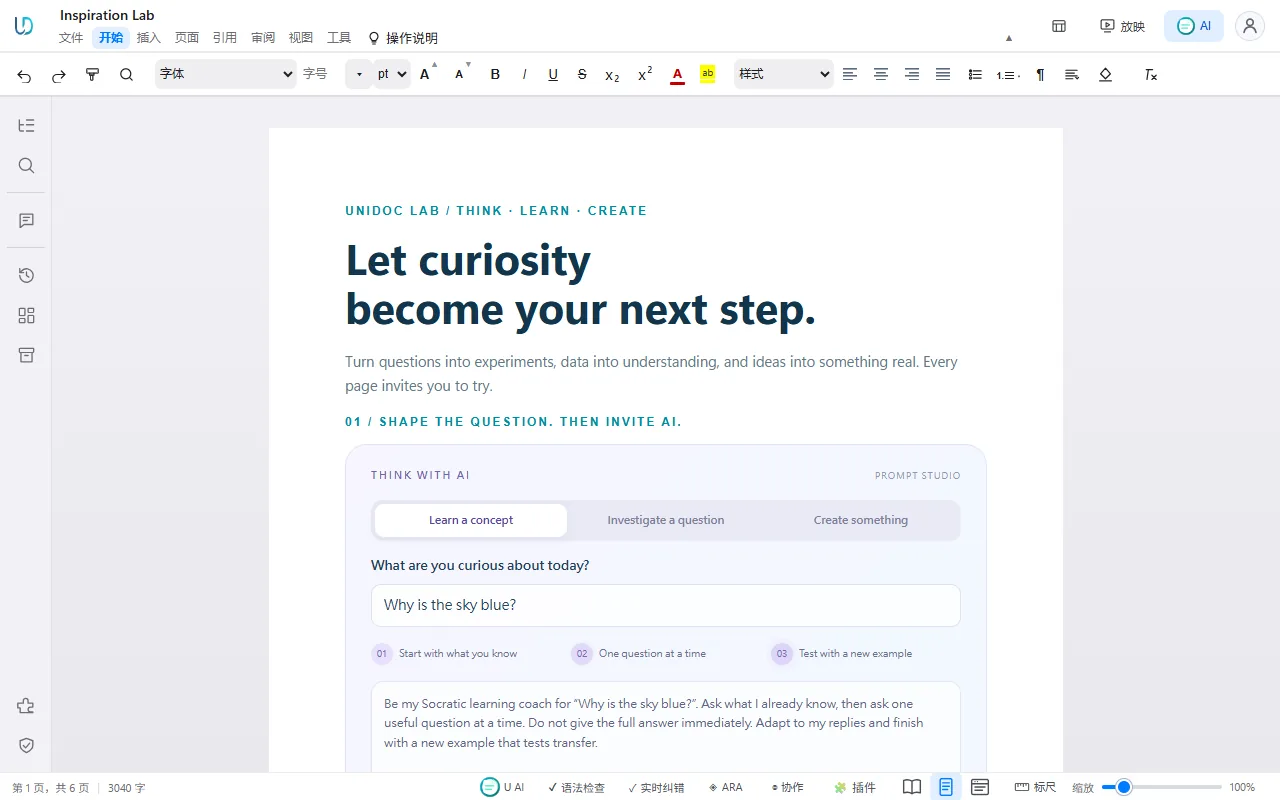
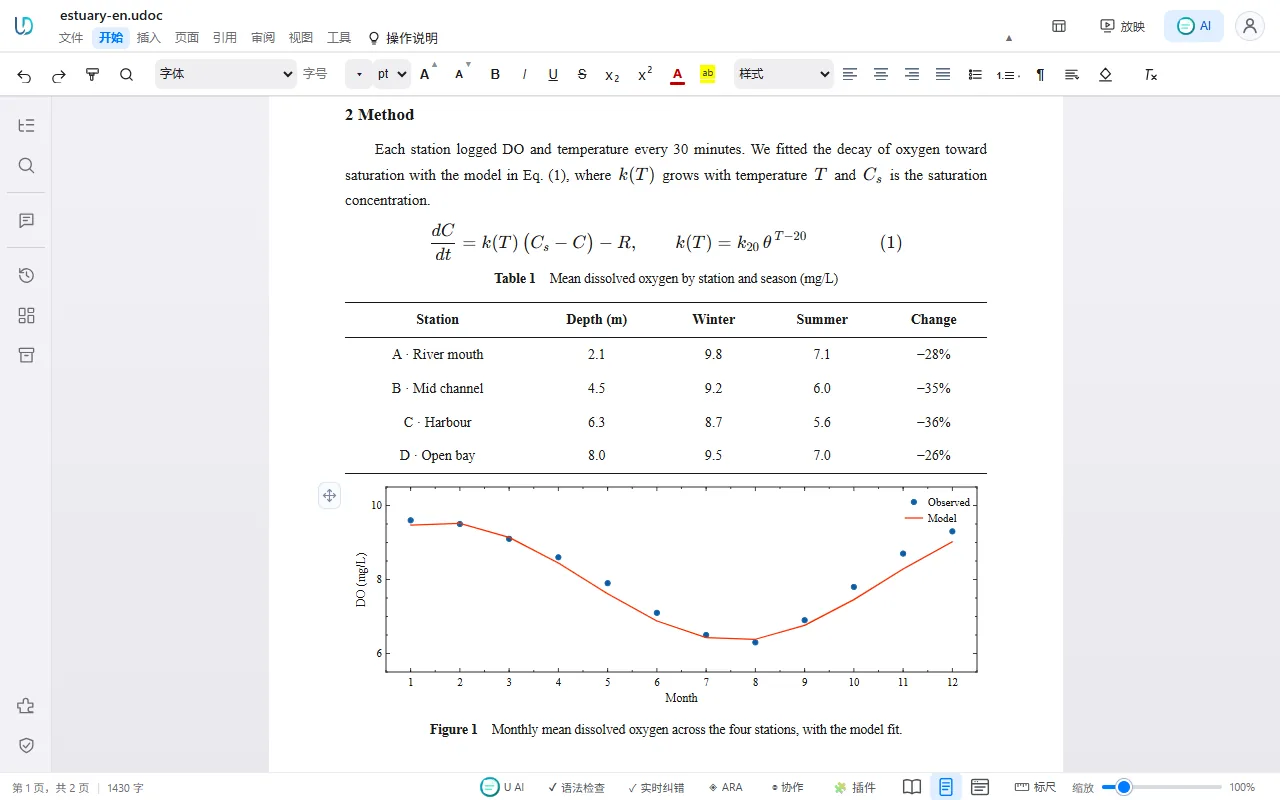
These screenshots come from the UniDoc and UniCell web editors, the same editors built into the desktop app. The translation shot is a bilingual Word file made by OmniDoc and opened in UniDoc.
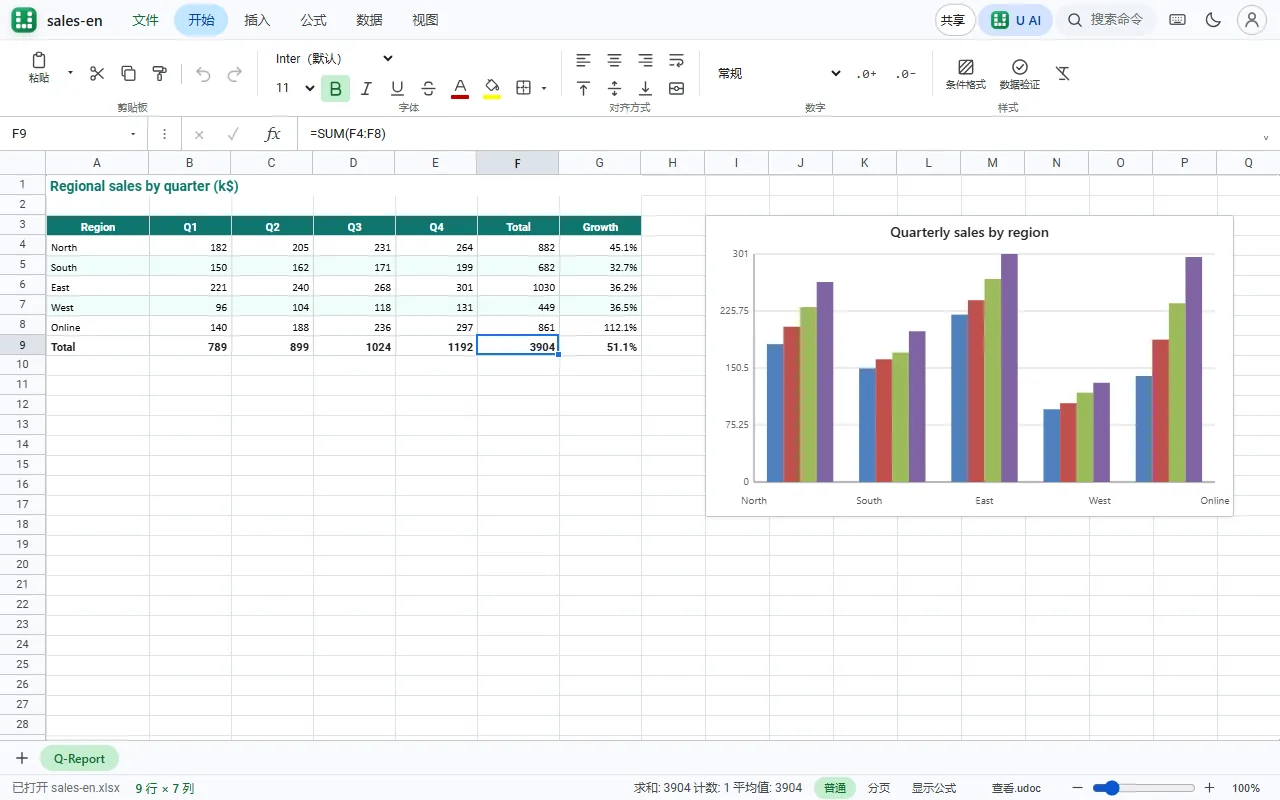
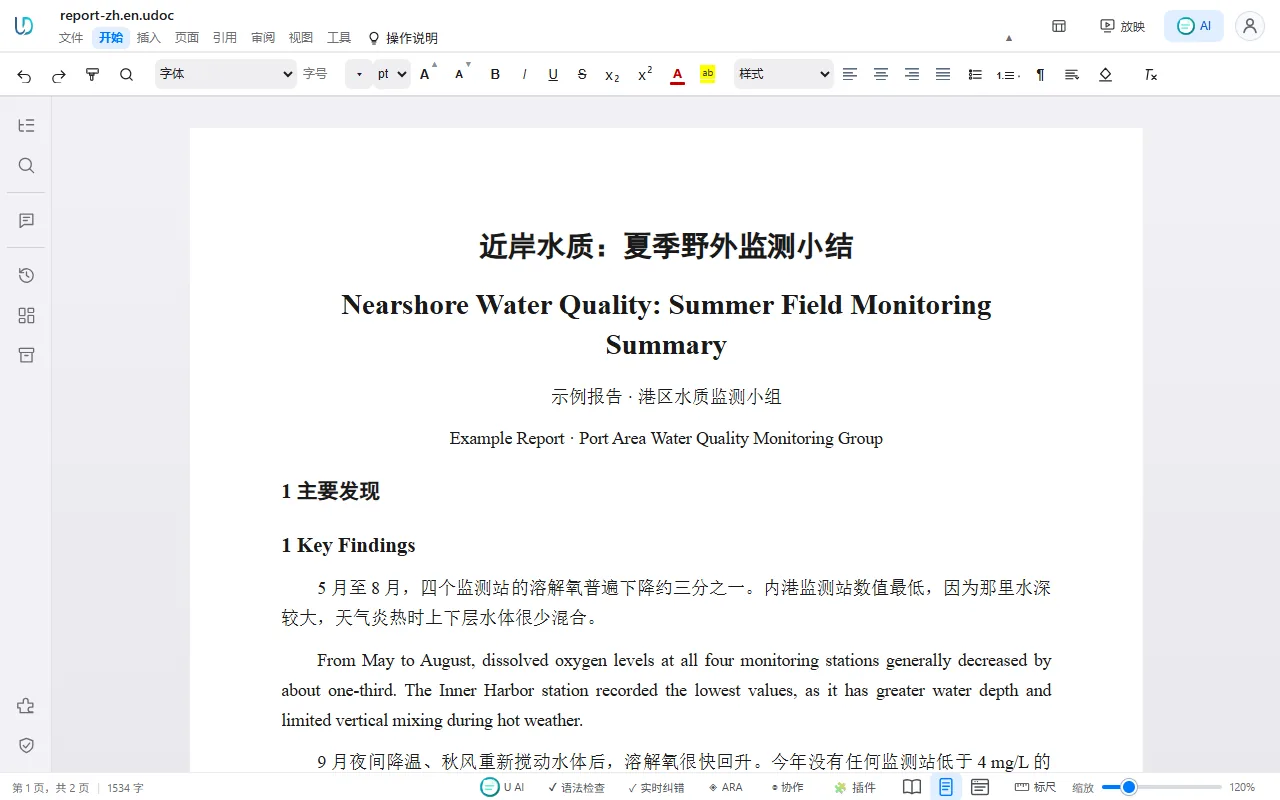
OmniDoc Desktop in 56 seconds: open and edit Word, Excel, PowerPoint, PDF and Markdown for free, publish documents as web pages, and let AI assistants create and edit files through OmniDoc.
OmniDoc on YouTubeUpload papers, contracts and product manuals with complex layouts and translate them as they are
Choose an engine before you translate: XiRang XR-397B, DeepSeek, Qwen, ChatGPT, Gemini, Claude.
PDF, Word, PPT, Excel, CSV, images, ebooks, Markdown, HTML, subtitles — 14 formats supported, upload and translate.
Recognizes text in scanned documents and images. Supports extracting and translating text embedded in PDF images.
Scripts translate in batches through the REST API; AI assistants such as Claude and Cursor create, edit, translate and publish documents through MCP.
Upload a glossary to define how specific terms should be translated. Applied automatically to ensure consistent terminology.
View original and translated text side by side for quick proofreading.
One app for Word, Excel, PowerPoint, PDF and Markdown files.
Word, Excel, PowerPoint, PDF and Markdown open, edit and present in a web engine. Export lossless HTML and publish it as a link in one click.
Downloading, installing, local editing and format conversion are free and need no account. Only cloud services such as translation use credits, based on actual usage.
Native engines run on your computer: about 9 ms from keystroke to layout, 11 s to export a large Word file, about 1 s from PDF to HTML.
Put charts, animations, flowcharts and formulas right in the document. Published as a web page they stay interactive, and AI can create them in one go.
One-time purchase. No expiry. Top up anytime.
Up to approx. 750 translated pages
Buy creditsUp to approx. 2,500 translated pages
Buy credits+8% bonus credits
Up to approx. 6,250 translated pages
Buy credits+16% bonus credits
Up to approx. 12,500 translated pages
Buy credits+25% bonus credits
Up to approx. 31,250 translated pages
Buy credits+35% bonus credits
Up to approx. 112,500 translated pages
Buy creditsHands-on notes on PDF, OCR and document translation
OmniDoc supports 14 formats: PDF, Word (.docx), PowerPoint (.pptx), Excel (.xlsx), CSV, images (JPG/PNG), ebooks (EPUB), plain text (TXT), Markdown (.md), HTML/HTM, subtitle files (SRT/ASS) and UDOC (.udoc).
Yes. The translation follows the original page: headings, paragraphs, tables, images and formulas stay where they were, and font size and line spacing adjust to the length of the translated text. Scanned pages are read with OCR first.
Free accounts receive free credits every day. When you need more, buy a one-time credit pack at any time — there is no subscription or automatic renewal, and purchased credits never expire.
Create an API key in your account and upload files through the REST API; batch jobs are supported. AI assistants can call OmniDoc directly through MCP. See the API documentation.
OmniDoc supports 38 languages including Chinese, English, Japanese, Korean, French, German, Spanish, Arabic, and more.
We take privacy seriously. Your files stay in your library until you delete them, and are used only to provide the service to you.
Windows 10/11 (x64), macOS 12 or later (Intel; Apple silicon Macs run it through Rosetta 2) and Ubuntu 22.04 (x64). On other systems, use the web app.
Yes. The document, spreadsheet, presentation and image editors in the desktop app run on your computer: opening, editing and saving need no internet connection and no sign-in. Translation, AI and web publishing need a connection.